Proposals Come to You
You don't have to watch the heatmap and check back every week. Roll4Availability keeps searching everyone's availability, and when a window opens up — this week, next month, whenever it appears — it proposes a session and notifies the whole party. Spotted a good overlap yourself? You can propose a date and time manually too.
Party RSVPs
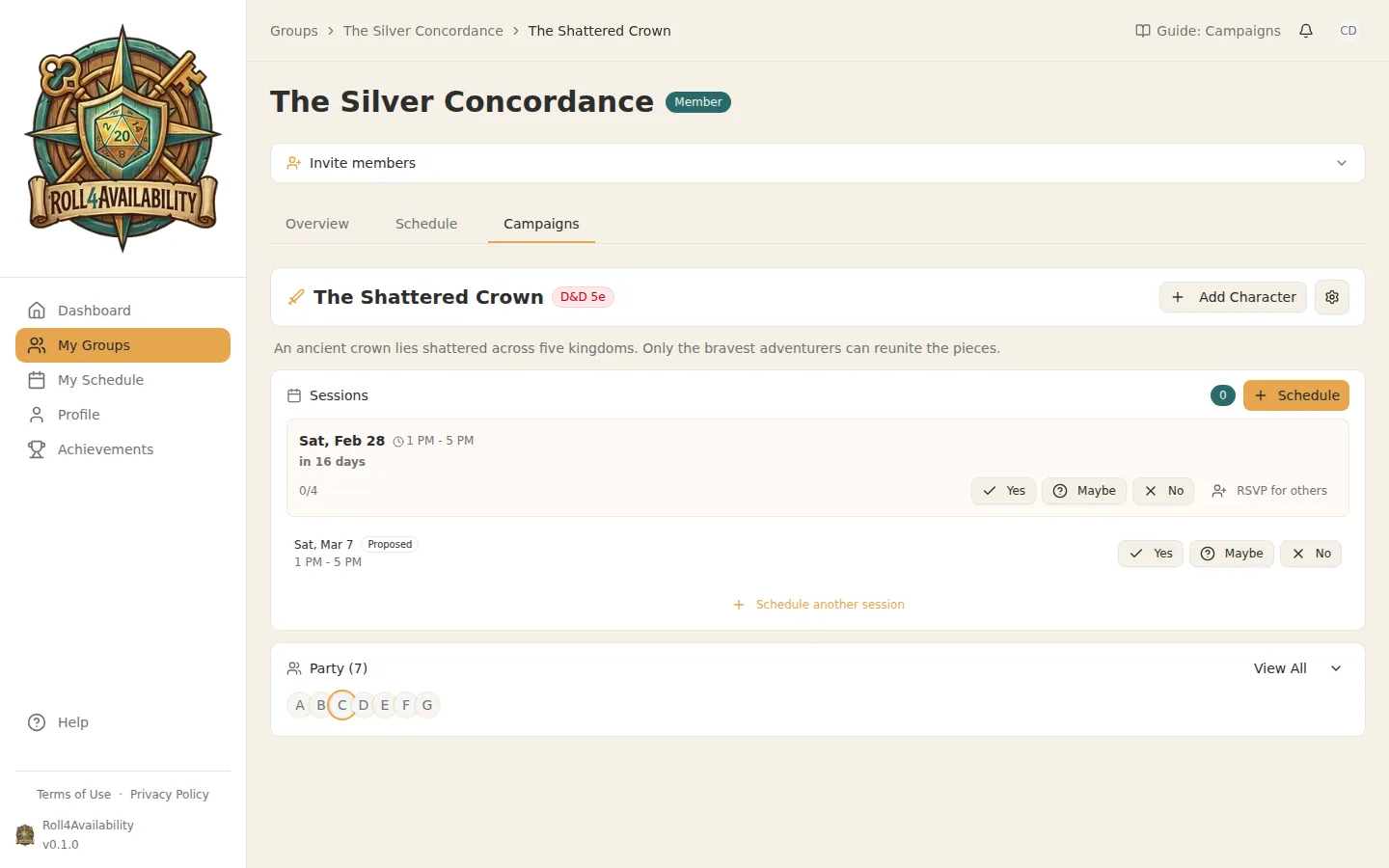
Each player responds with Yes, Maybe, or No. The summary view shows who's confirmed and whether you've hit quorum.
The app does the chasing
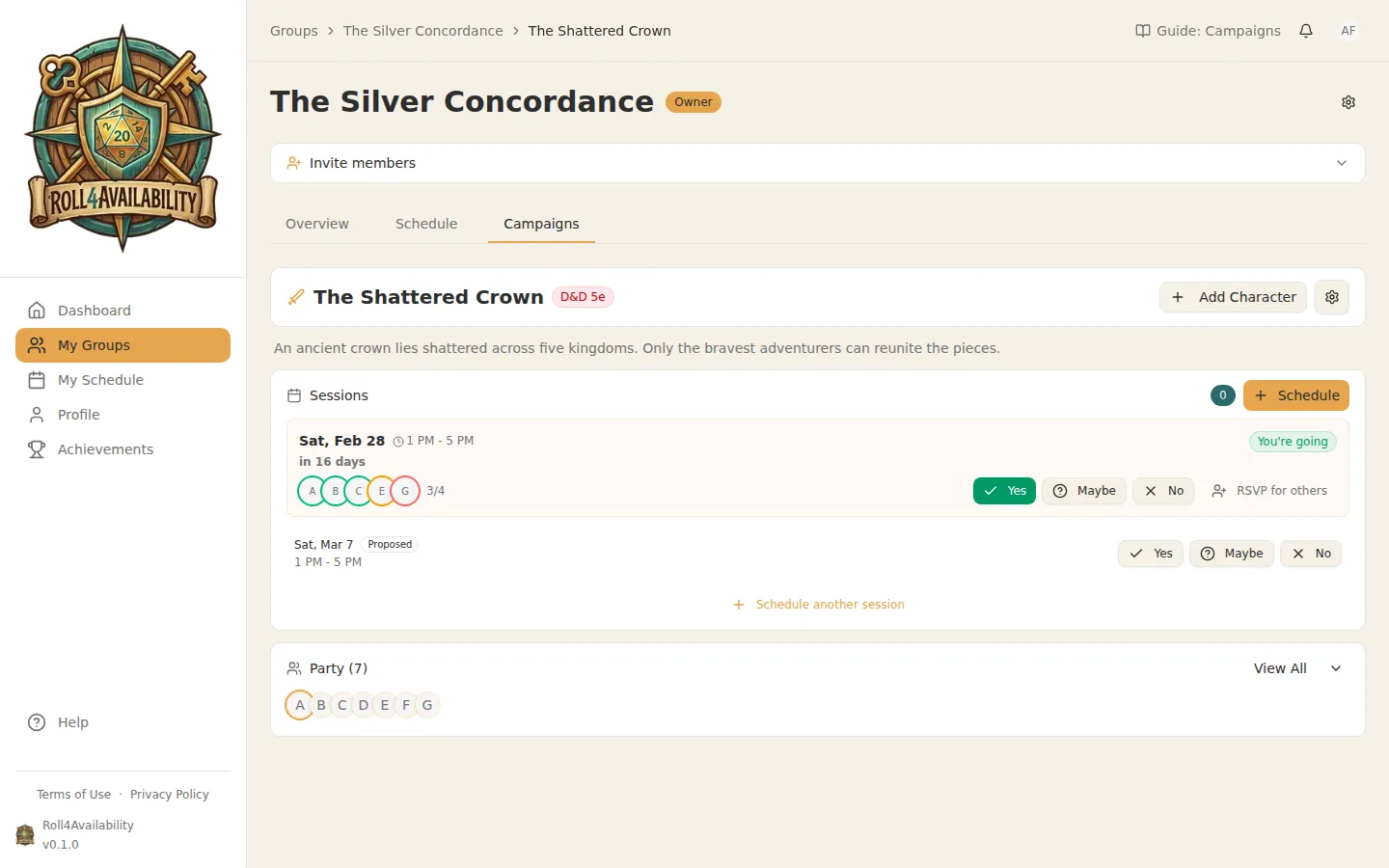
Someone hasn't answered? You don't have to be the person who sends the "so are we still on?" message. Roll4Availability follows up with anyone who hasn't replied — the reminders, the nudges, the checking back in are its job now, so nobody in your group has to play scheduler instead of playing.
RSVP on behalf of others
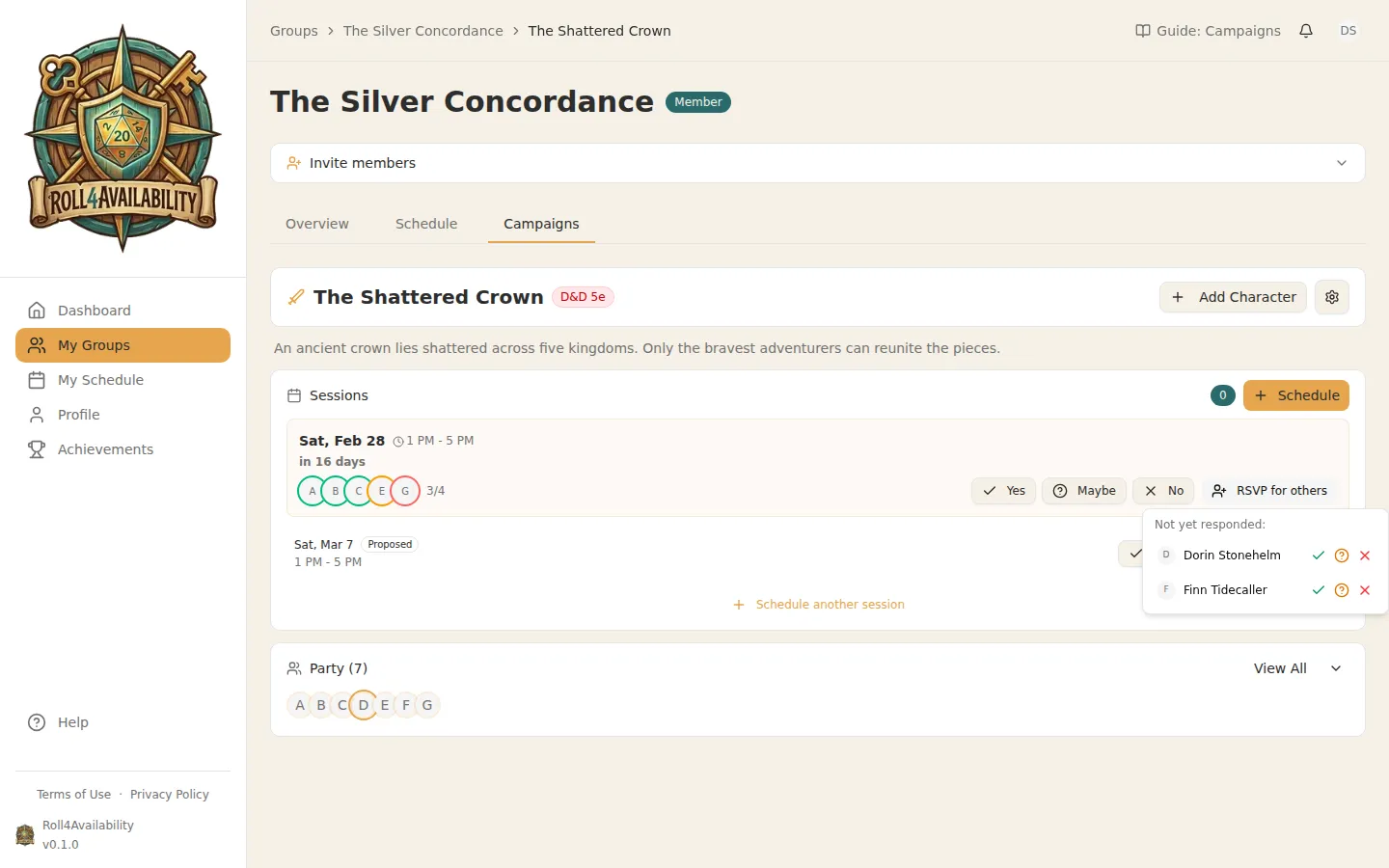
Know that a player will be there but they haven't responded yet? You can RSVP on their behalf to help reach quorum faster.
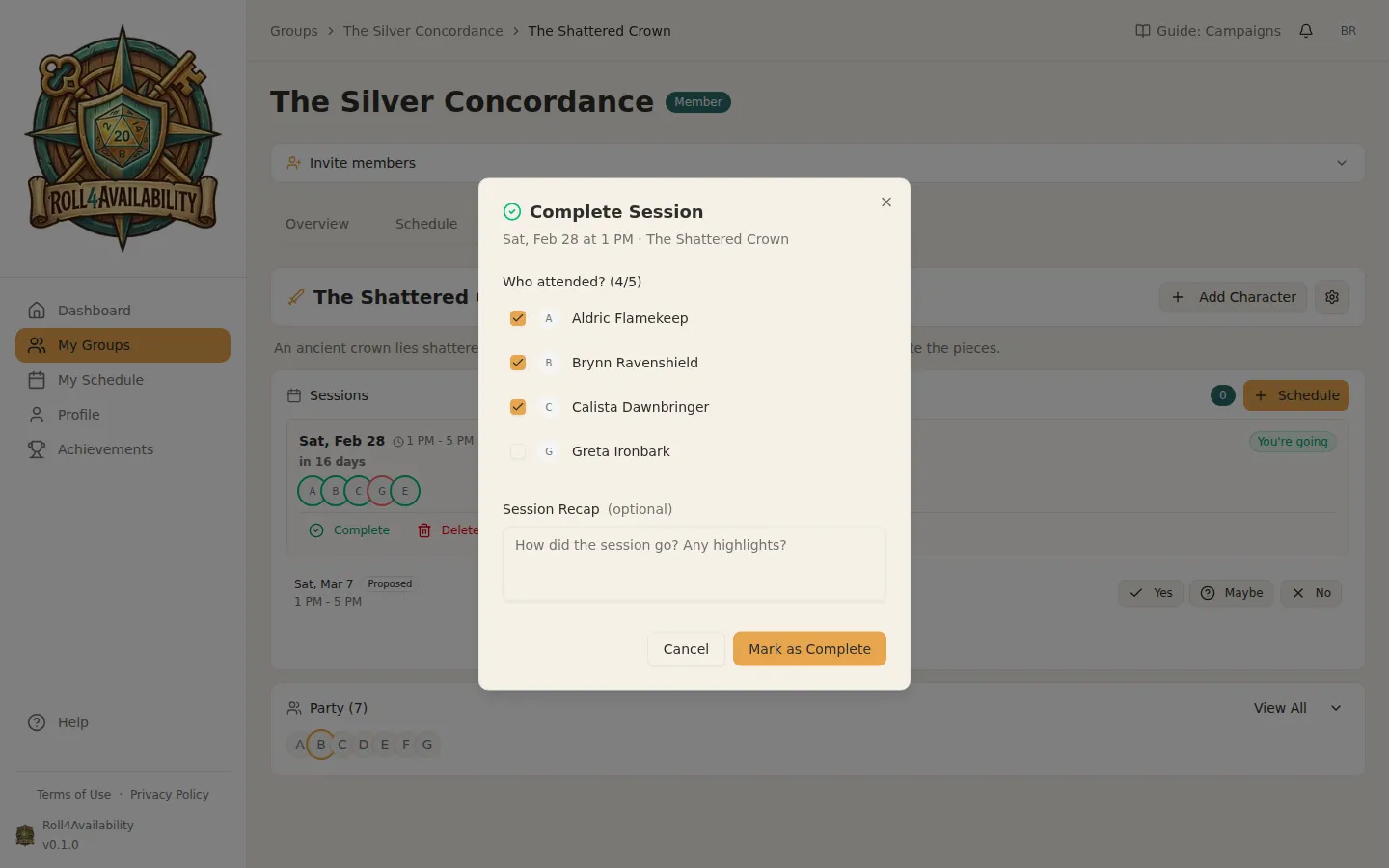
Complete the Session
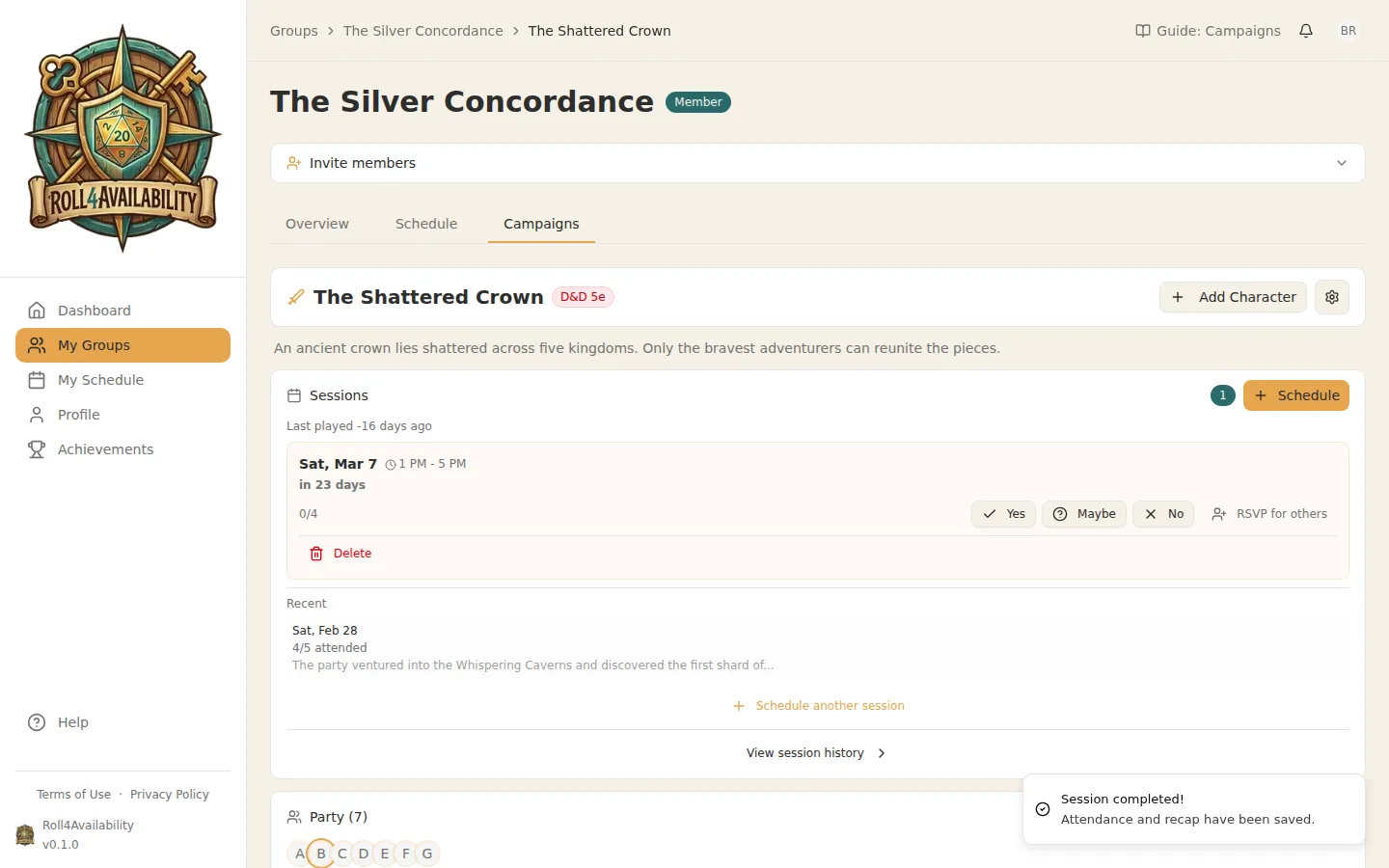
After game night, mark the session as complete. Add notes about what happened — future you will thank you.
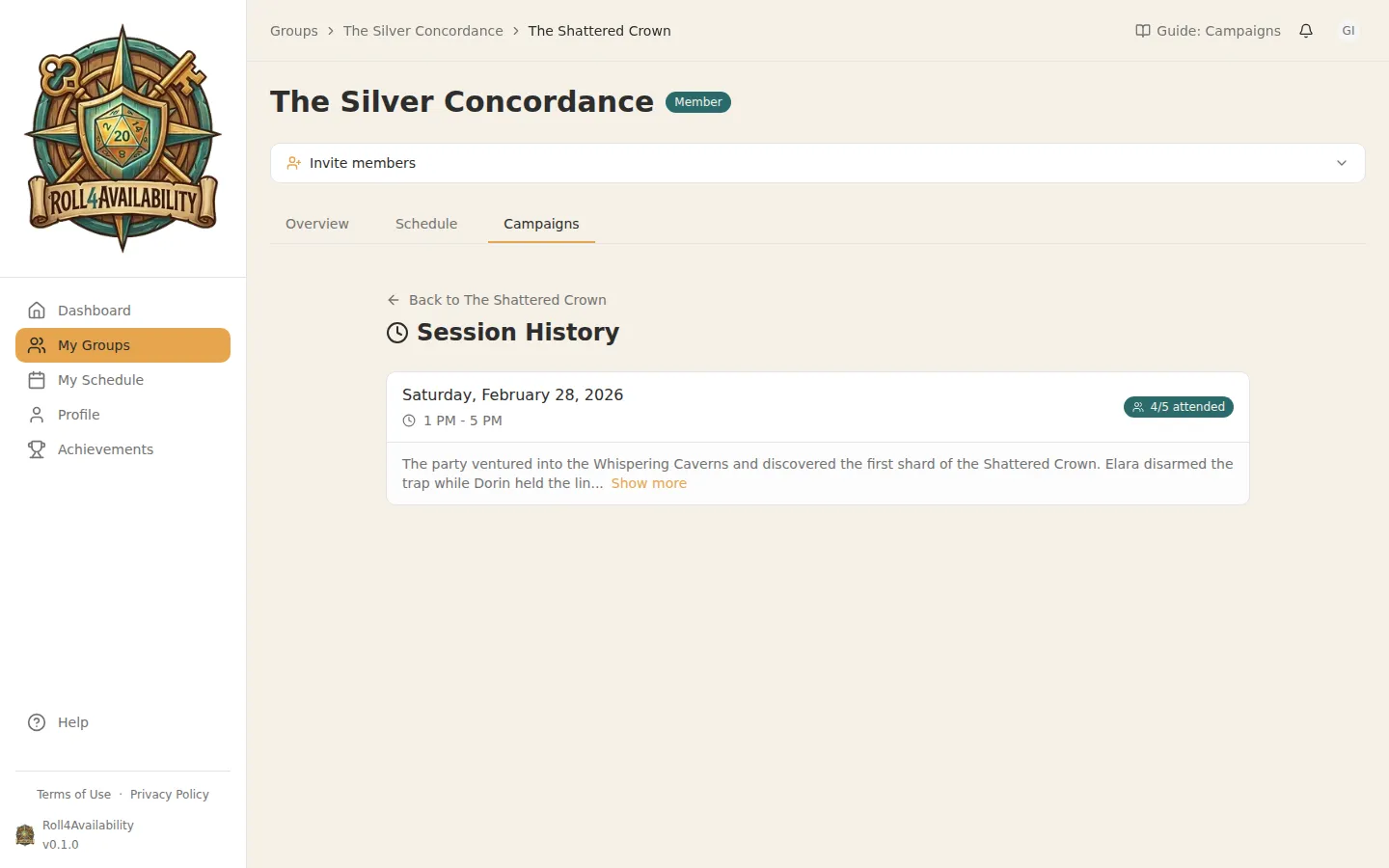
Session History
The history page keeps a record of every session played. See dates, attendance, and any notes from past games.
💡Sessions lock in when enough players confirm. No more waiting for everyone to reply.