Open Your Availability Page
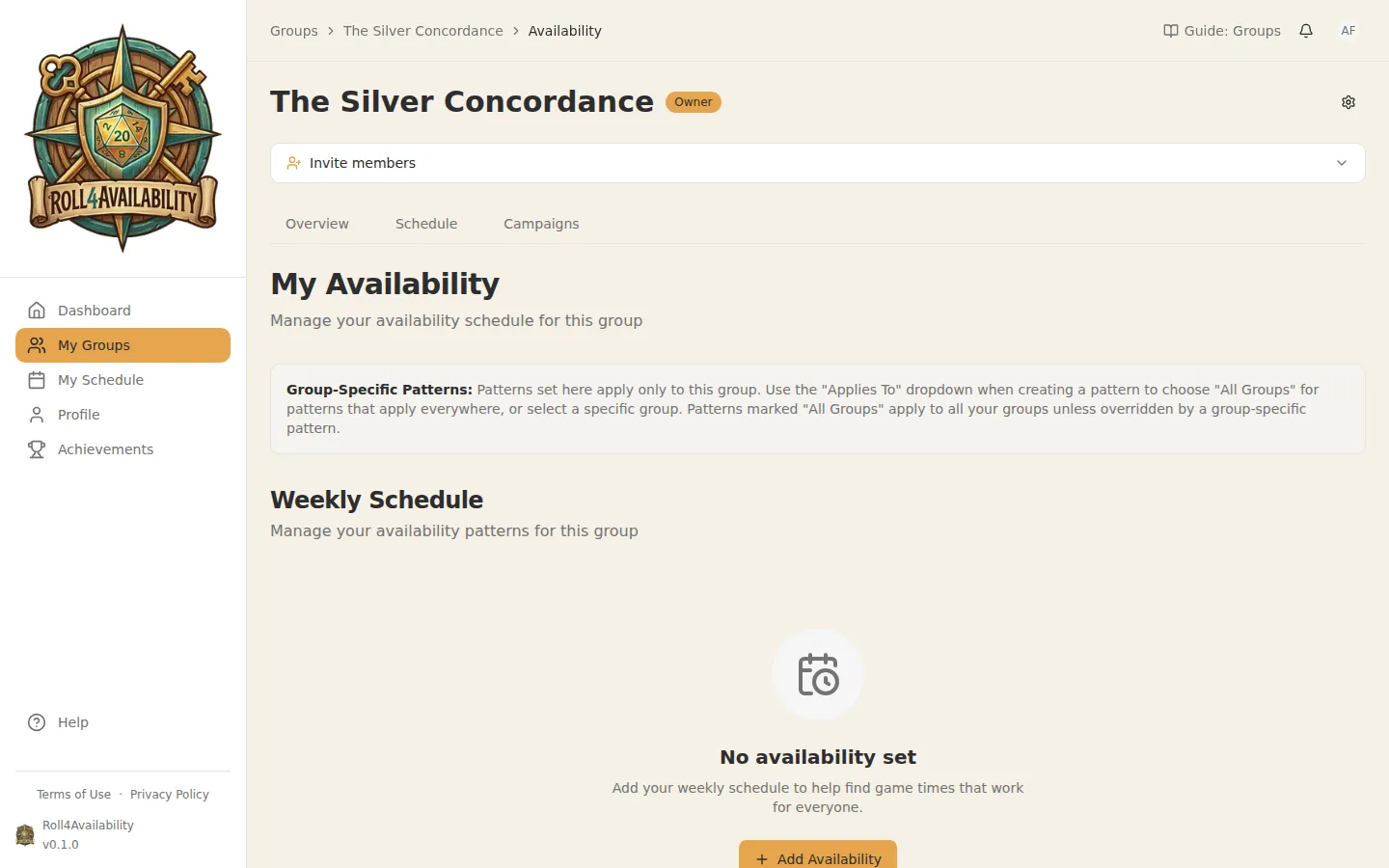
Open your group from My Groups in the sidebar, then choose the Availability tab. This is where you'll tell the app when you can play — and how much of a stretch it would be.
Add a Weekly Pattern
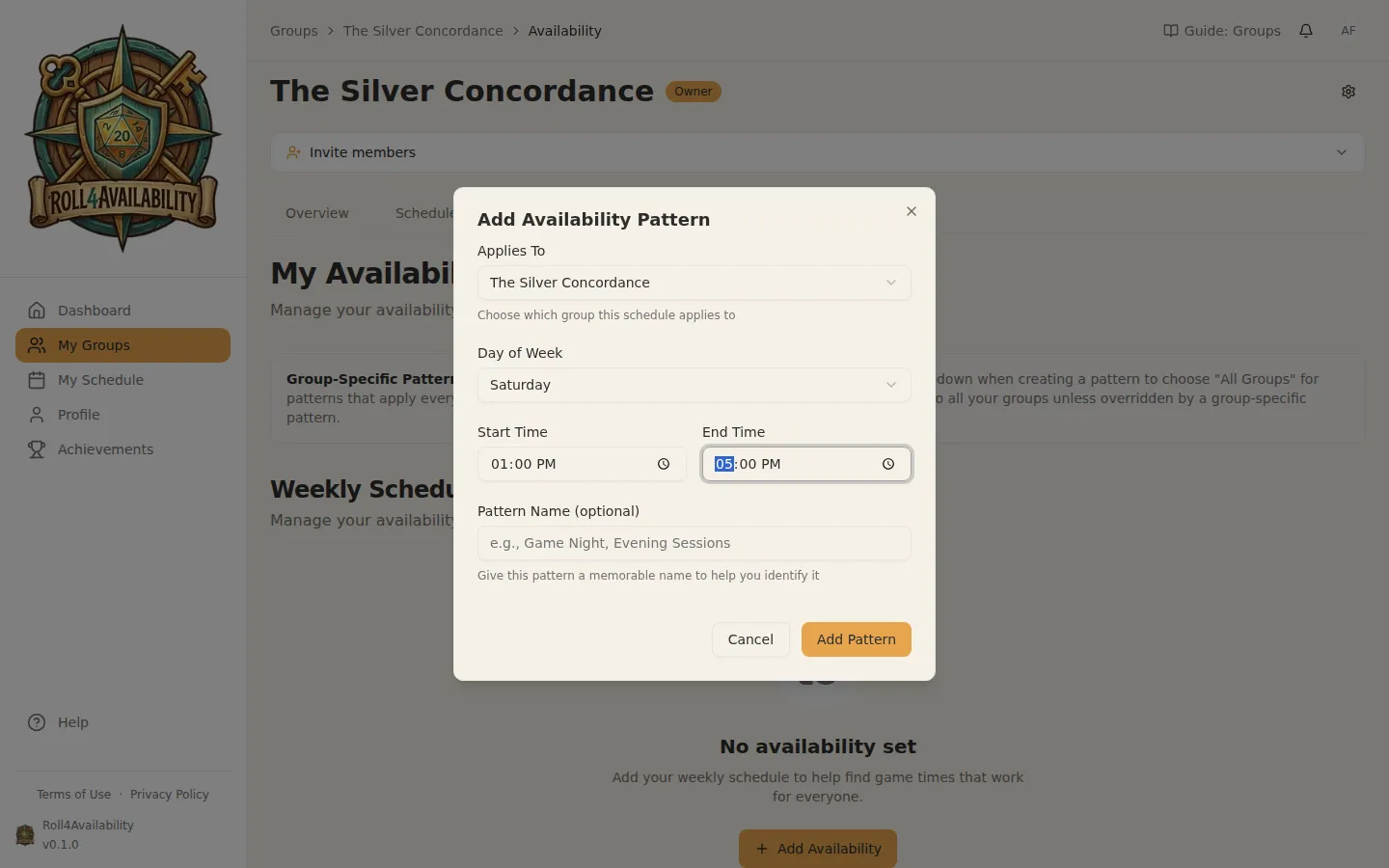
Click to add a recurring availability pattern. For example, 'Every Tuesday 7pm-10pm' or 'Saturdays all day'. Set it once and it repeats every week — you can always adjust specific dates when life gets in the way.
More than free or busy
Most schedulers give you two answers. Roll4Availability gives you three: "Busy", "This is ideal", and the one that matters most — "I can make this work". That final answer is for the slot where you're not ideally free but could shift things around if it counted. Plenty of sessions happen on exactly those nights. If "I can try" is the honest answer, say so — the app treats it as a real one.
Build Your Schedule
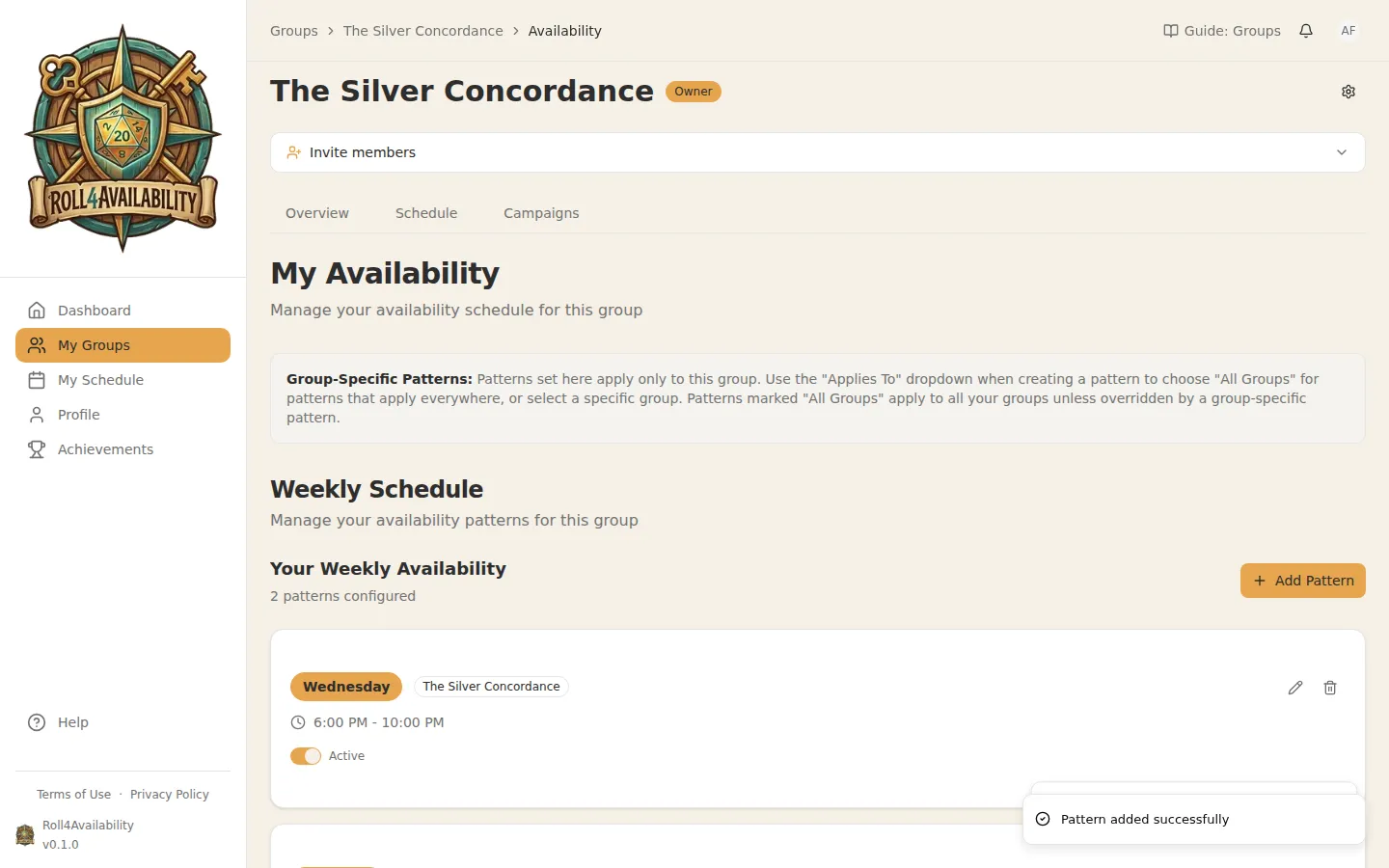
Add as many patterns as you like. Maybe you're free Tuesday evenings and could make Saturday afternoons work. The more honest your schedule, the more sessions the app can find.
See the Group Heatmap
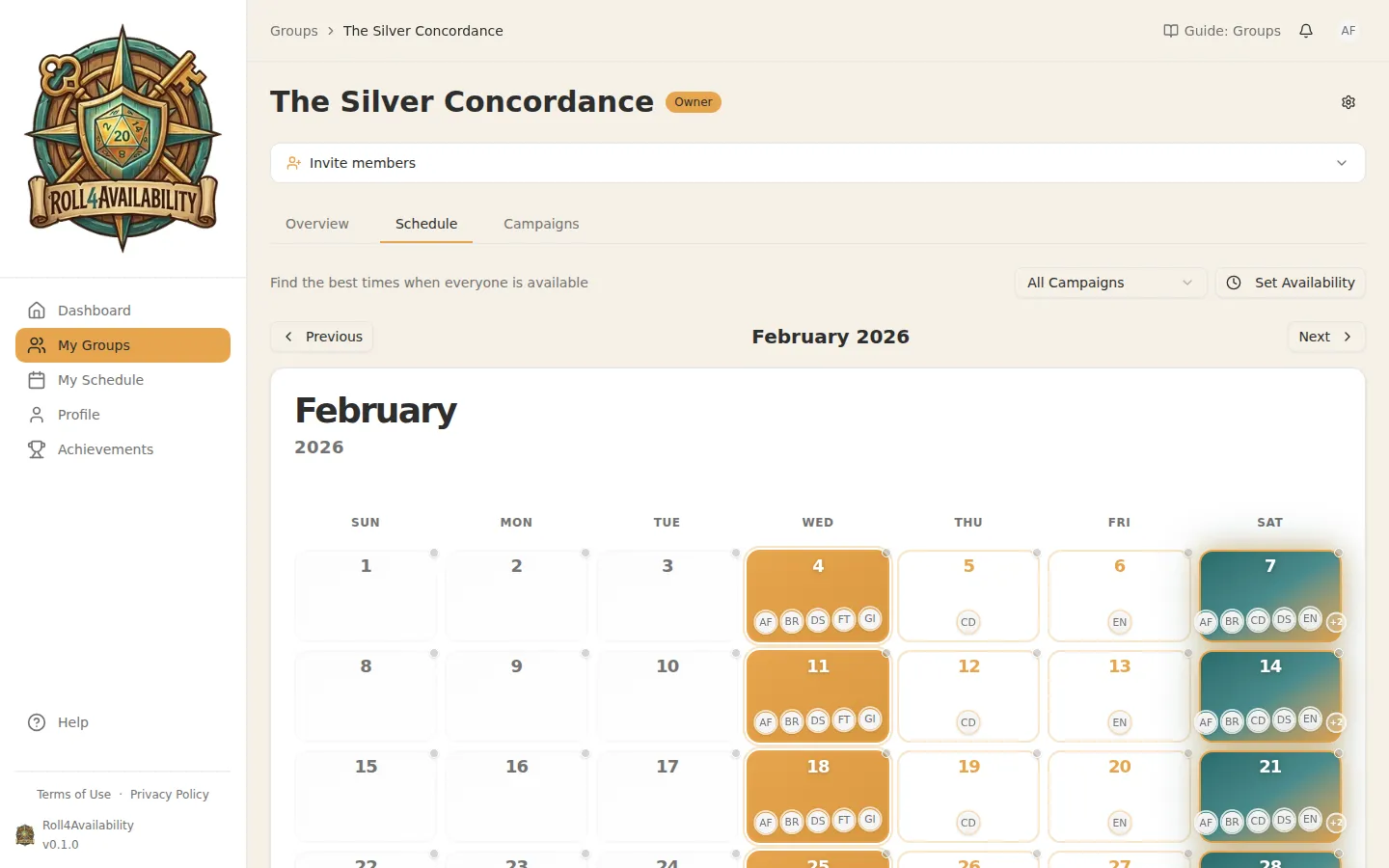
The schedule page shows a heatmap of when your group members overlap. Darker colours mean more people can make that time — and "I can make this work" counts. A night where four players are free and one could stretch shows up as playable, not as a conflict.
💡You're not booking a fixed slot — you're giving the search something to work with. Tweak it when life changes and everything downstream adjusts.