1
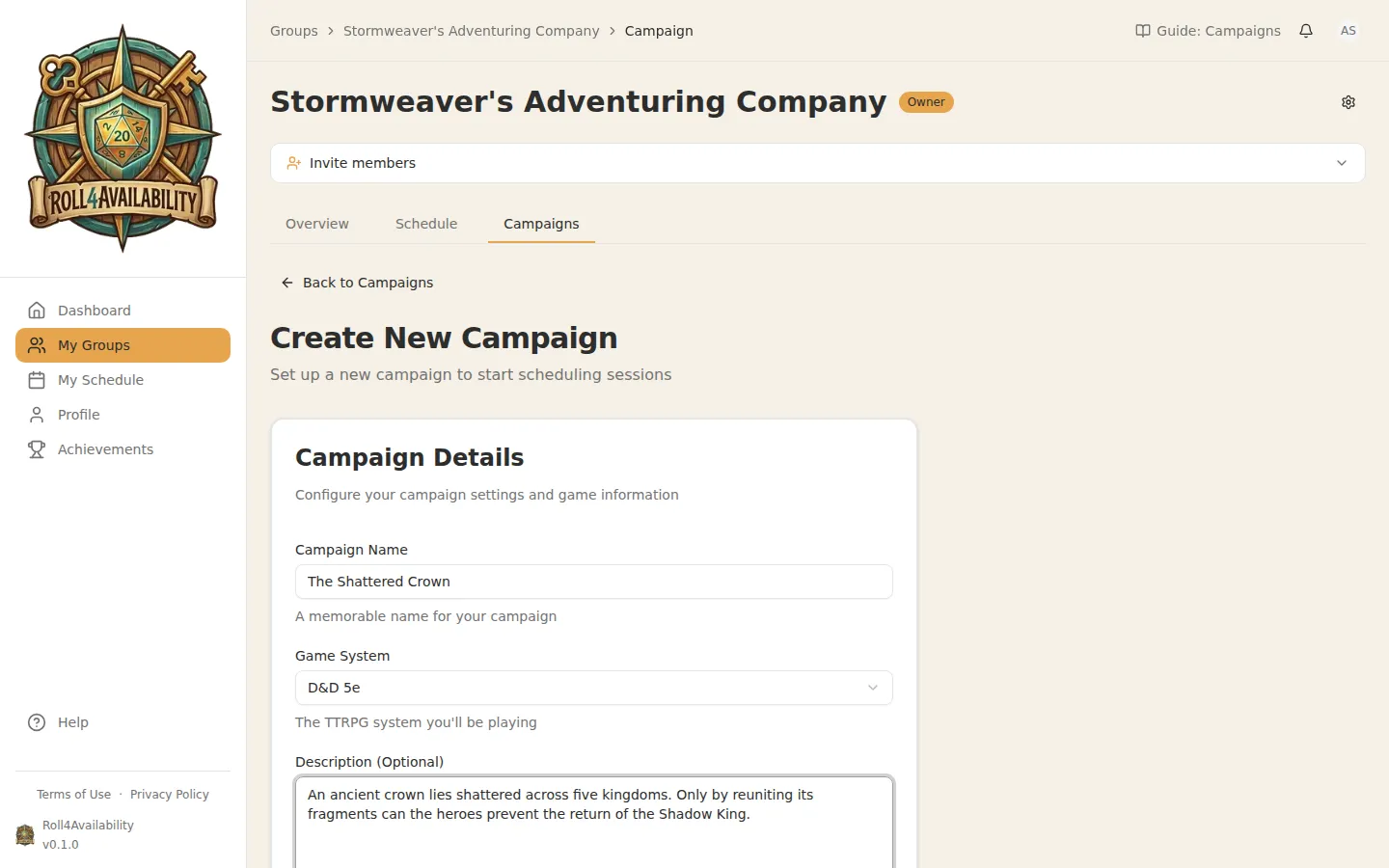
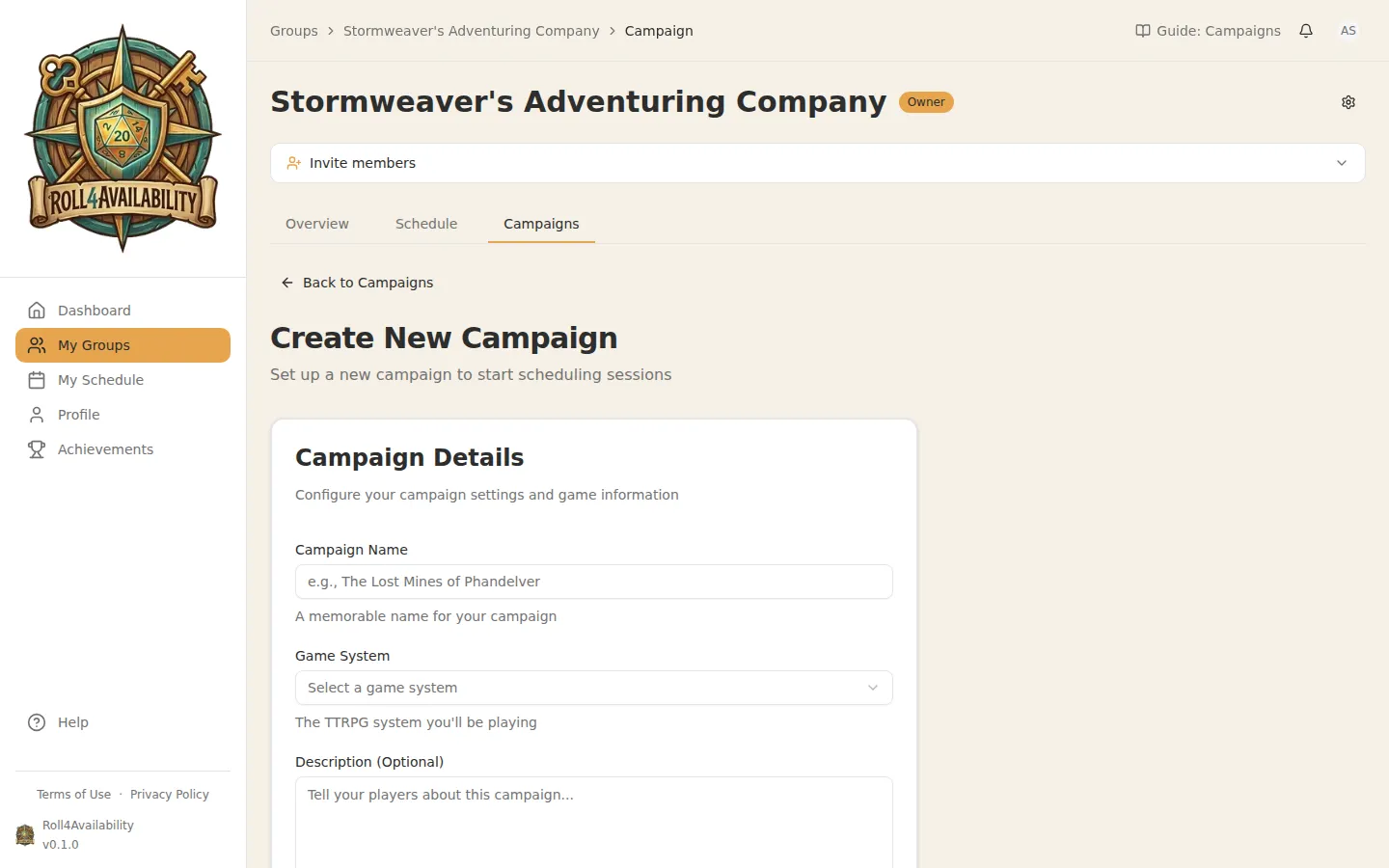
Create a Campaign
Choose a name, game system, and set your session length. Define how many players need to confirm before a session locks in (the quorum).
2
Set quorum and session length
The quorum is the minimum number of players needed to run a session. If you have 6 players and set quorum to 3, a session will lock in as soon as 3 people confirm. This means you don't have to wait for everyone.
3
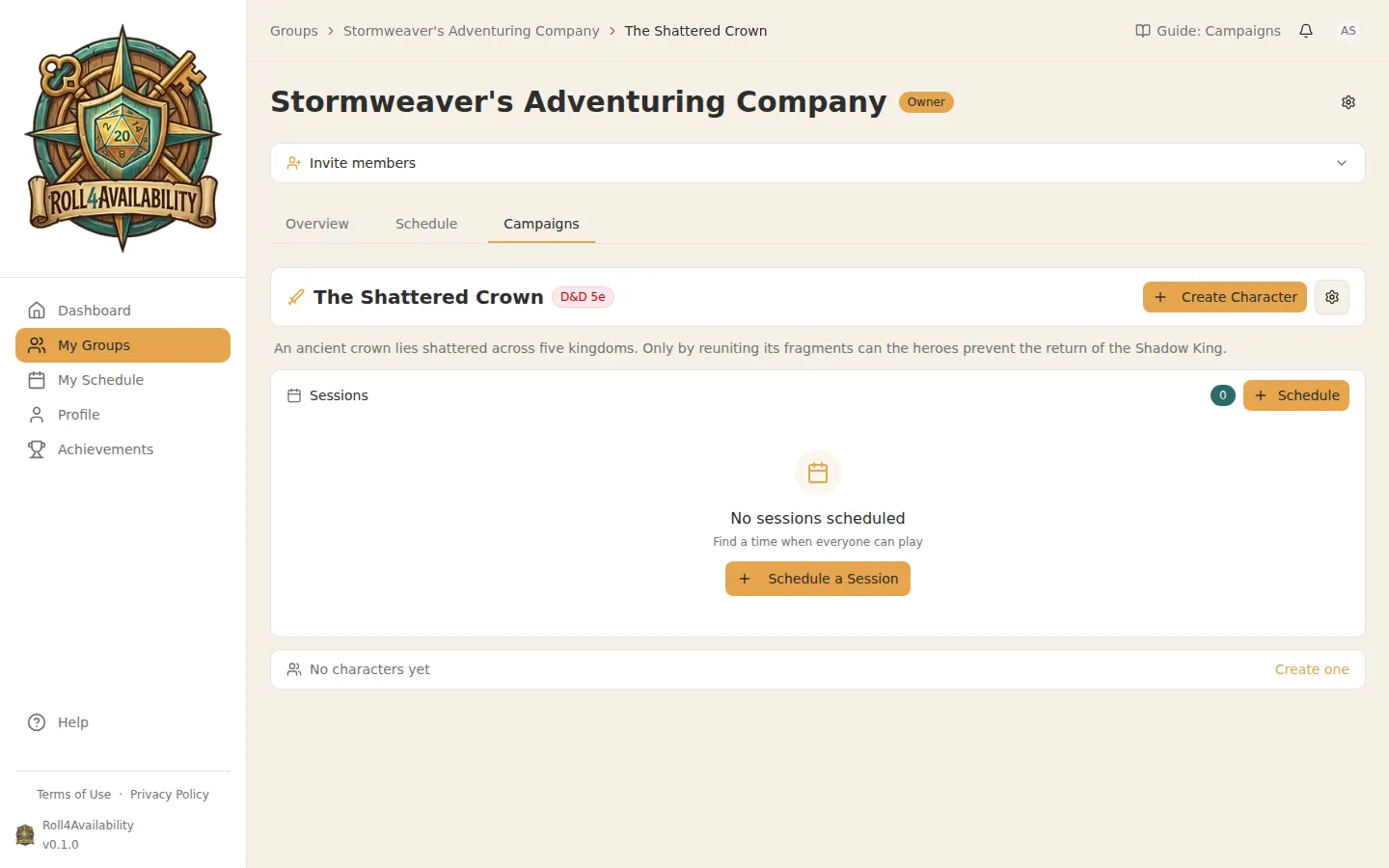
Campaign Hub
Your campaign overview shows upcoming sessions, party members, and quick actions. Everything you need to manage your game is right here.
💡Run multiple campaigns in the same group — perfect for groups that alternate between games.