1
Create an Account
Sign up with your email or Google account. It takes less than a minute.
2
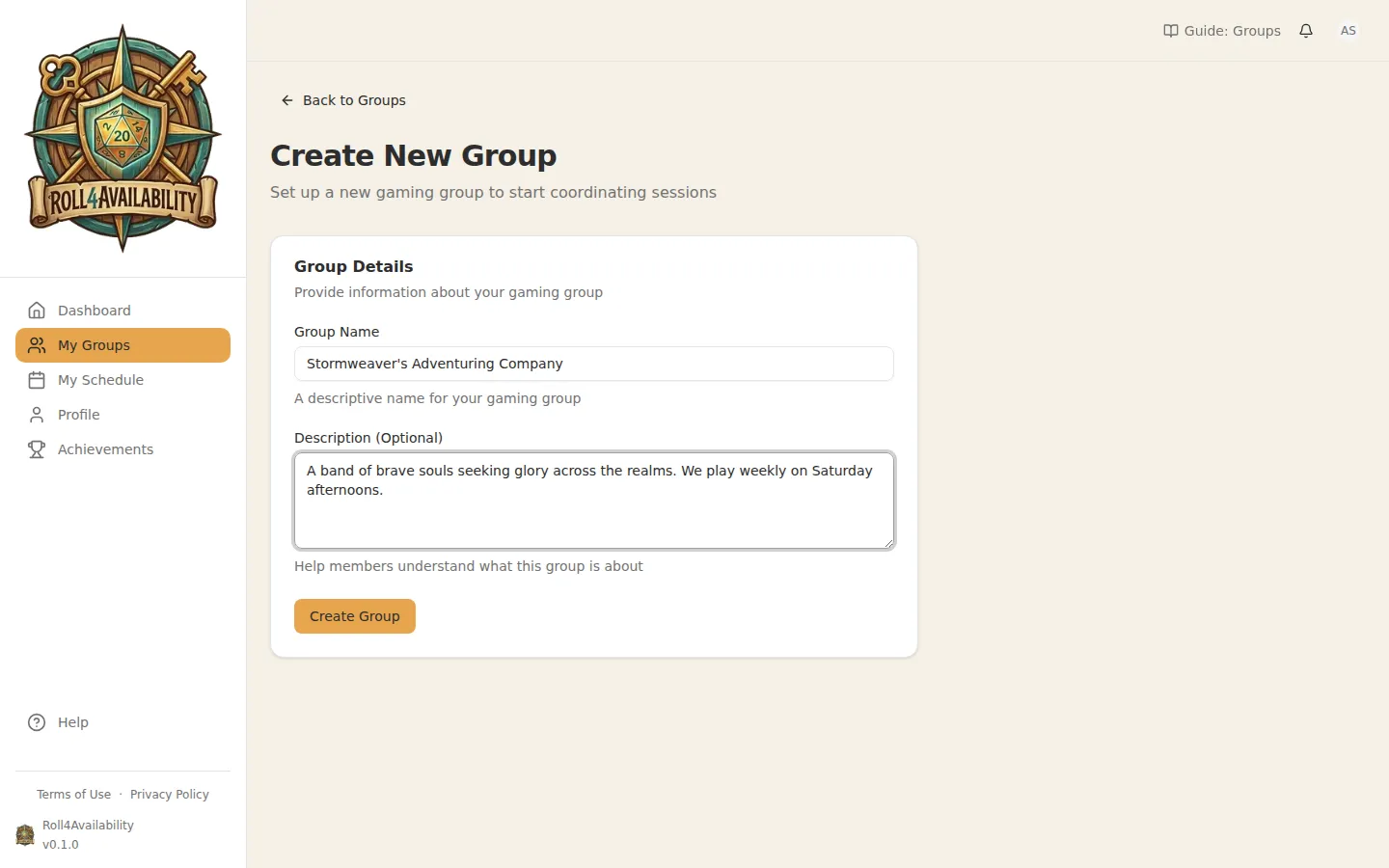
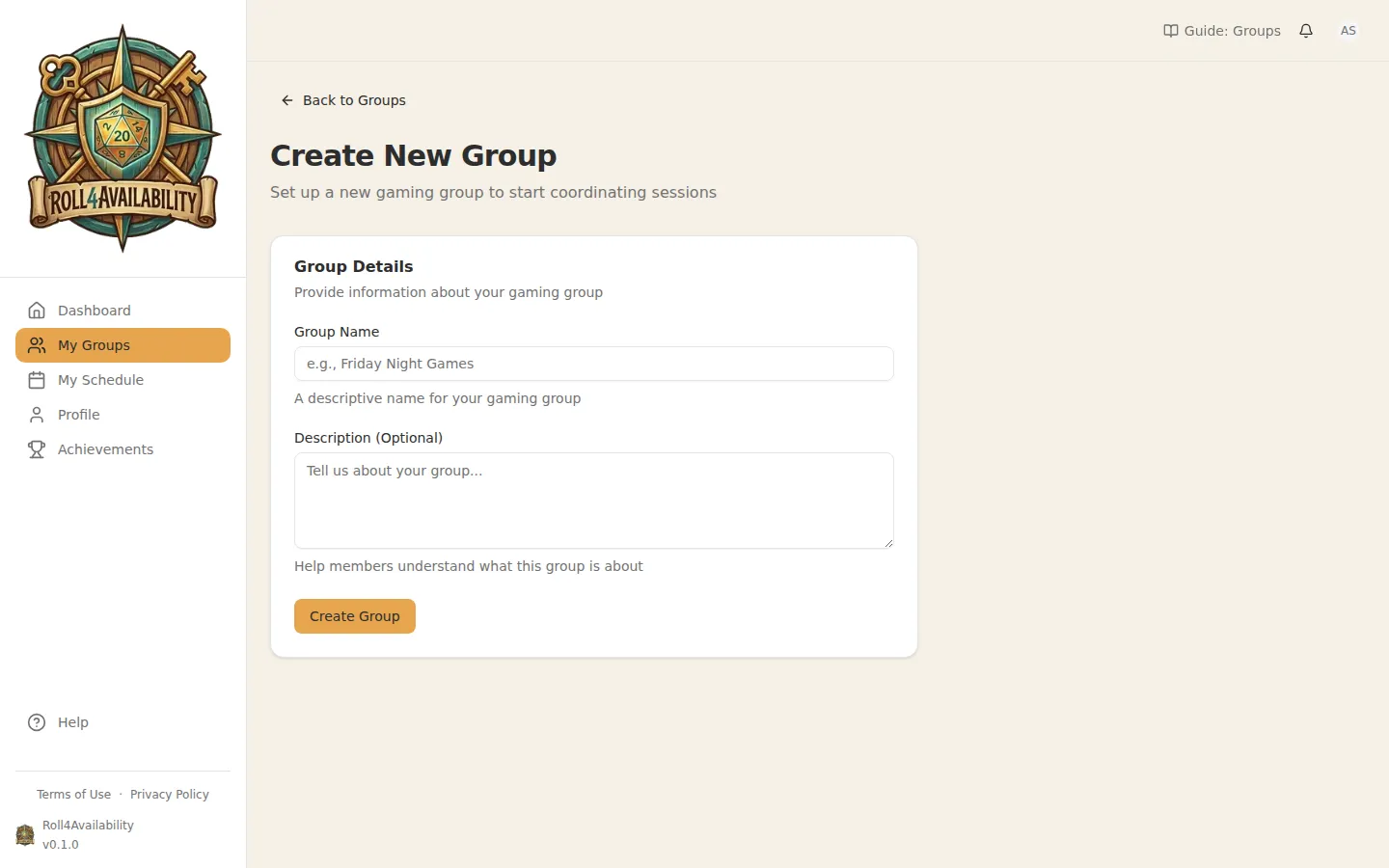
Create Your First Group
Give your group a name and optionally add a description. This is where your party will coordinate.
3
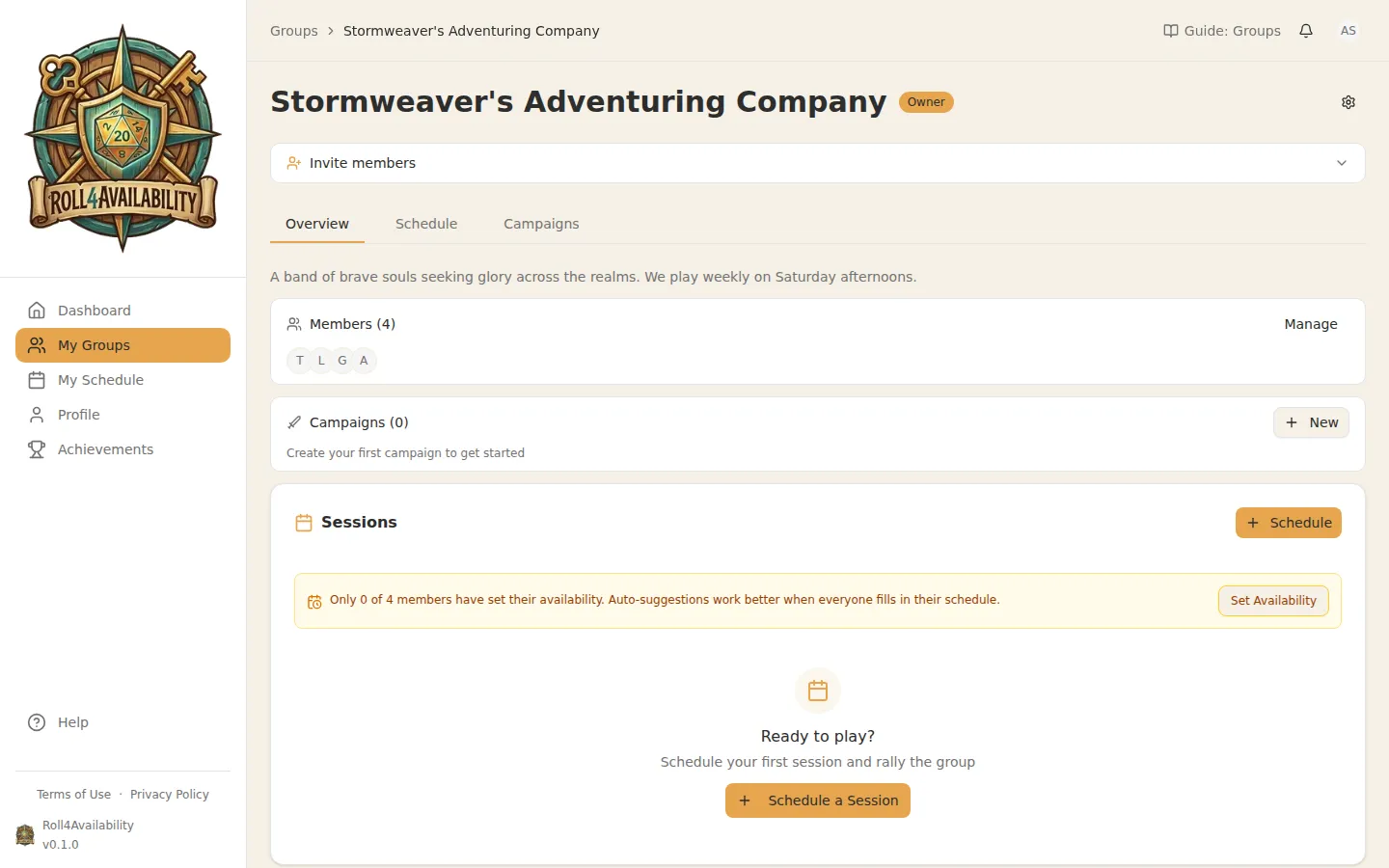
Your Group Overview
Once created, you'll see your group hub. This is where you'll manage members, campaigns, and invitations.
4
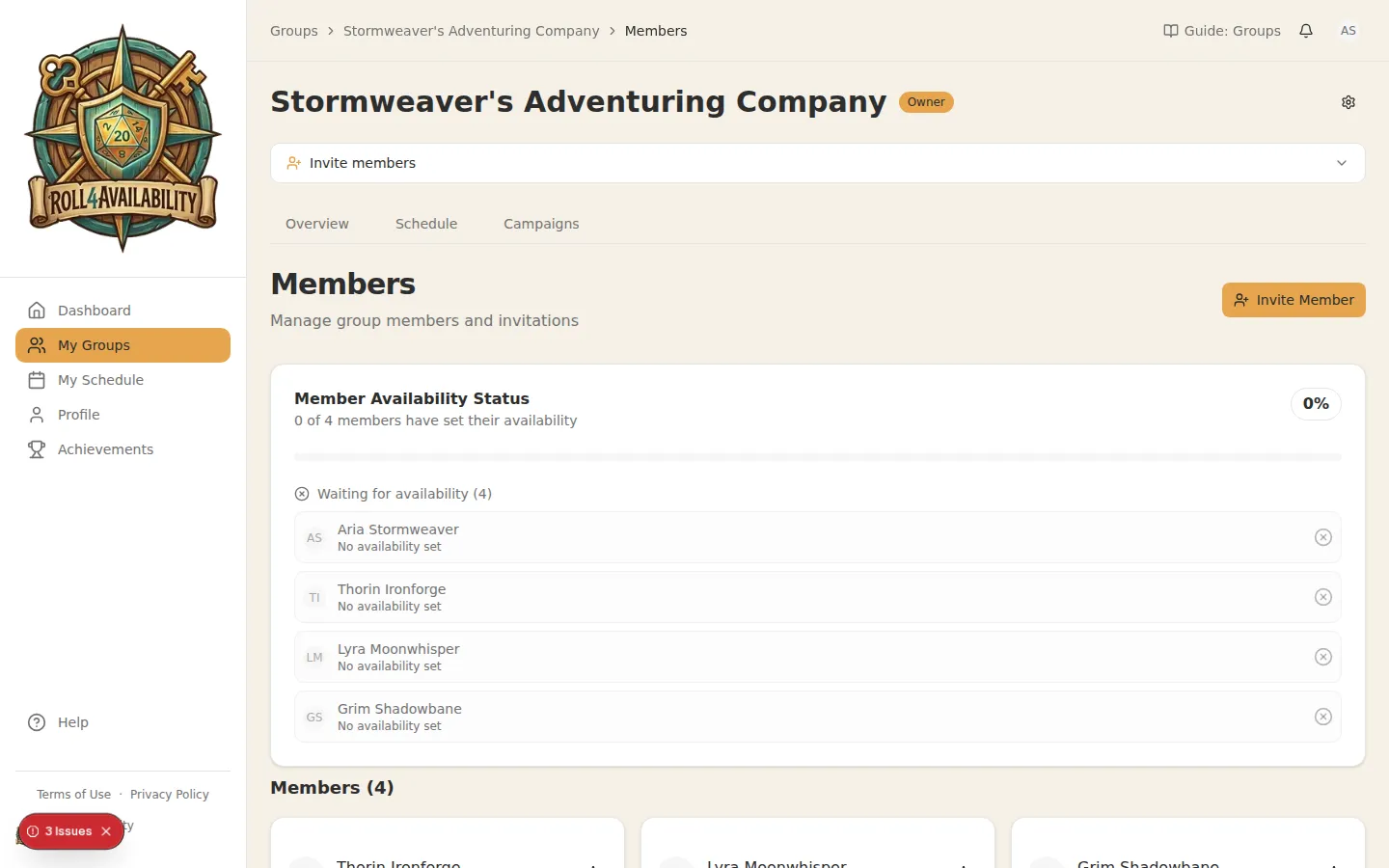
See Your Members
The members section shows everyone in your group. As people join, you'll see them appear here.
💡Everyone in the group can help manage scheduling — there are no special GM-only powers.