1
Open the Invite Dialog
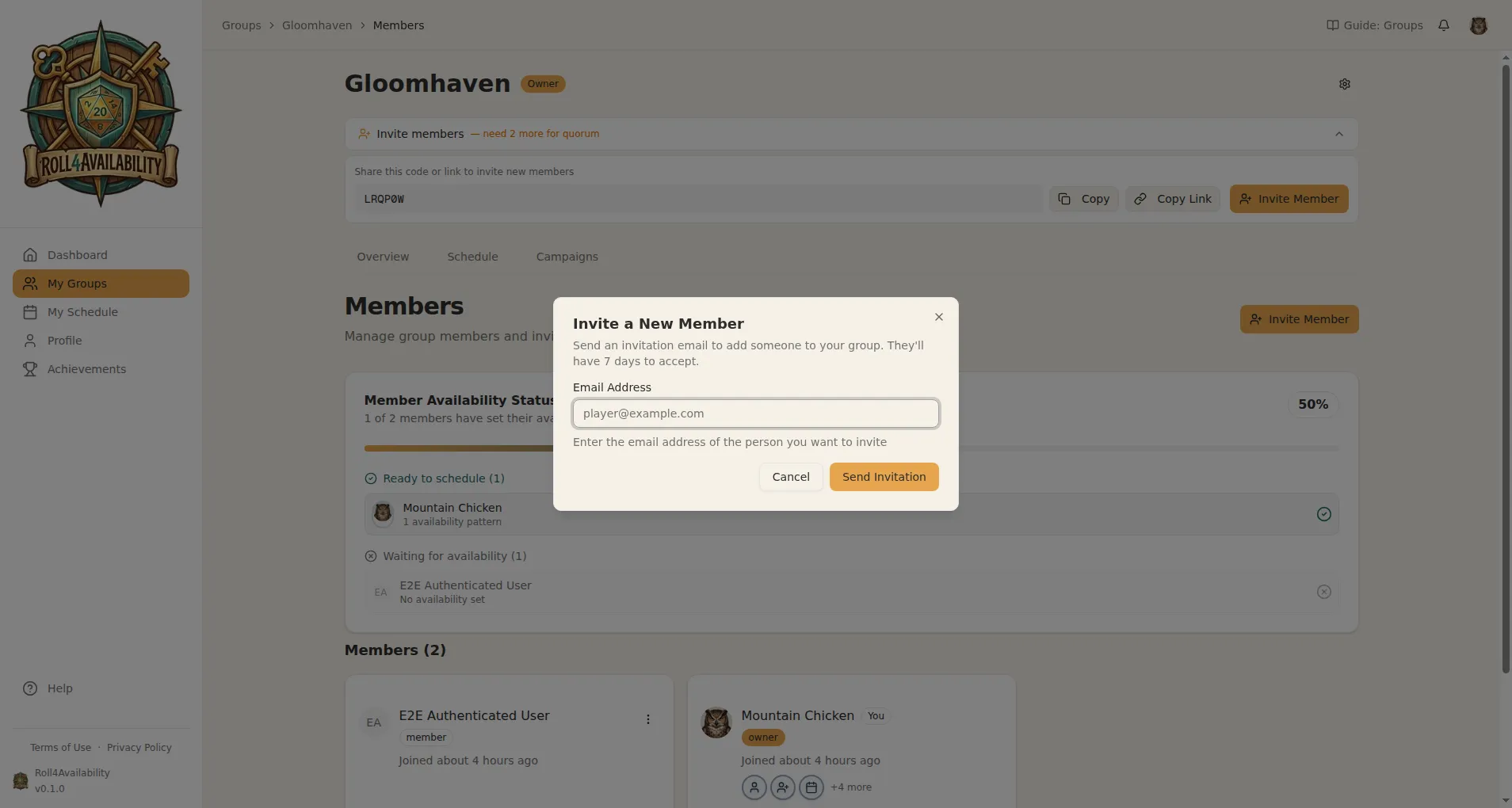
From your group's members page, click "Invite Member" to open the invitation dialog. Enter a player's email address and hit send — they'll get an email with a link to join.
2
They Receive an Email
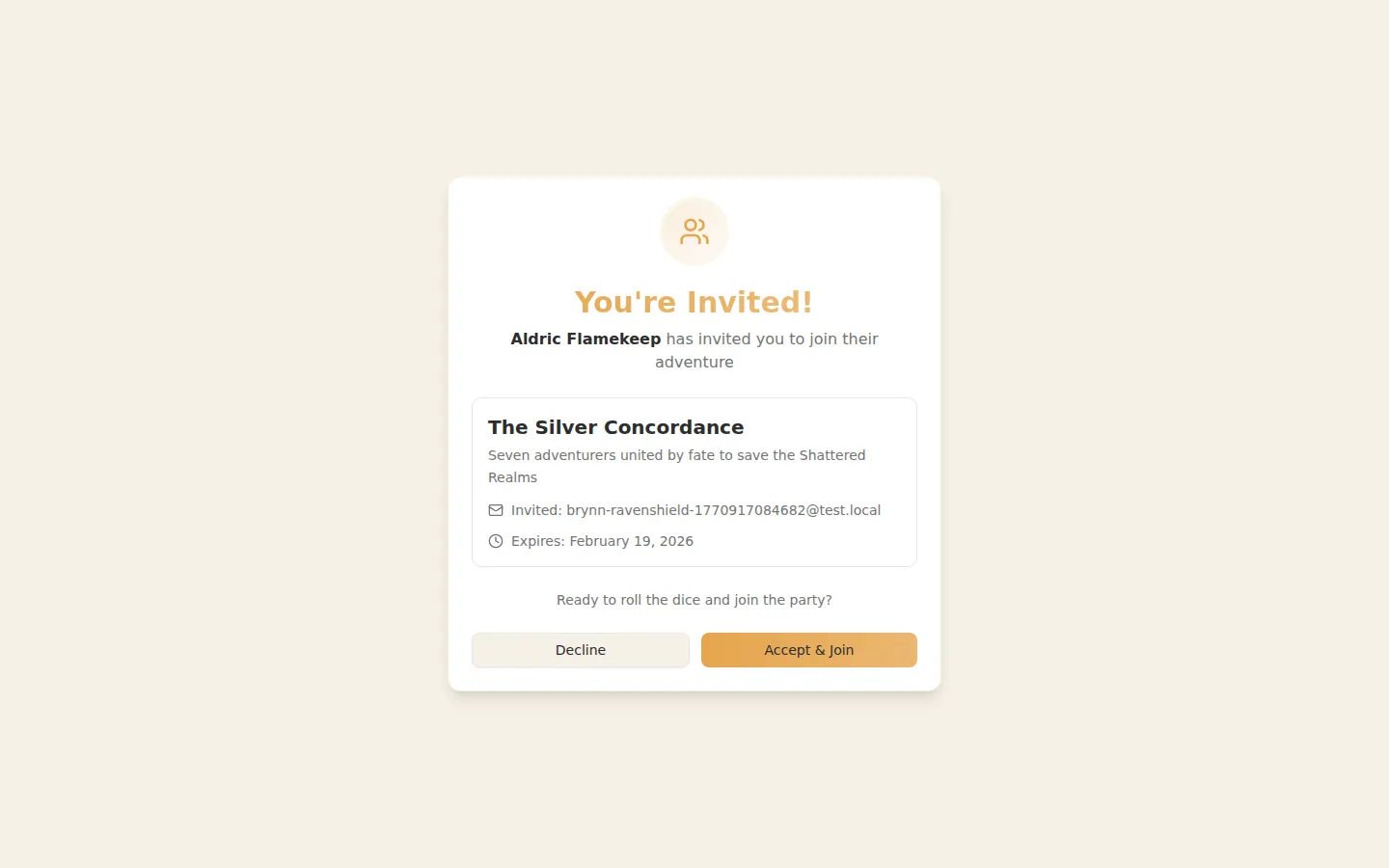
Your player gets an invitation email with a direct link to join the group. One click and they're in — no account setup needed beforehand.
3
They Click and Join
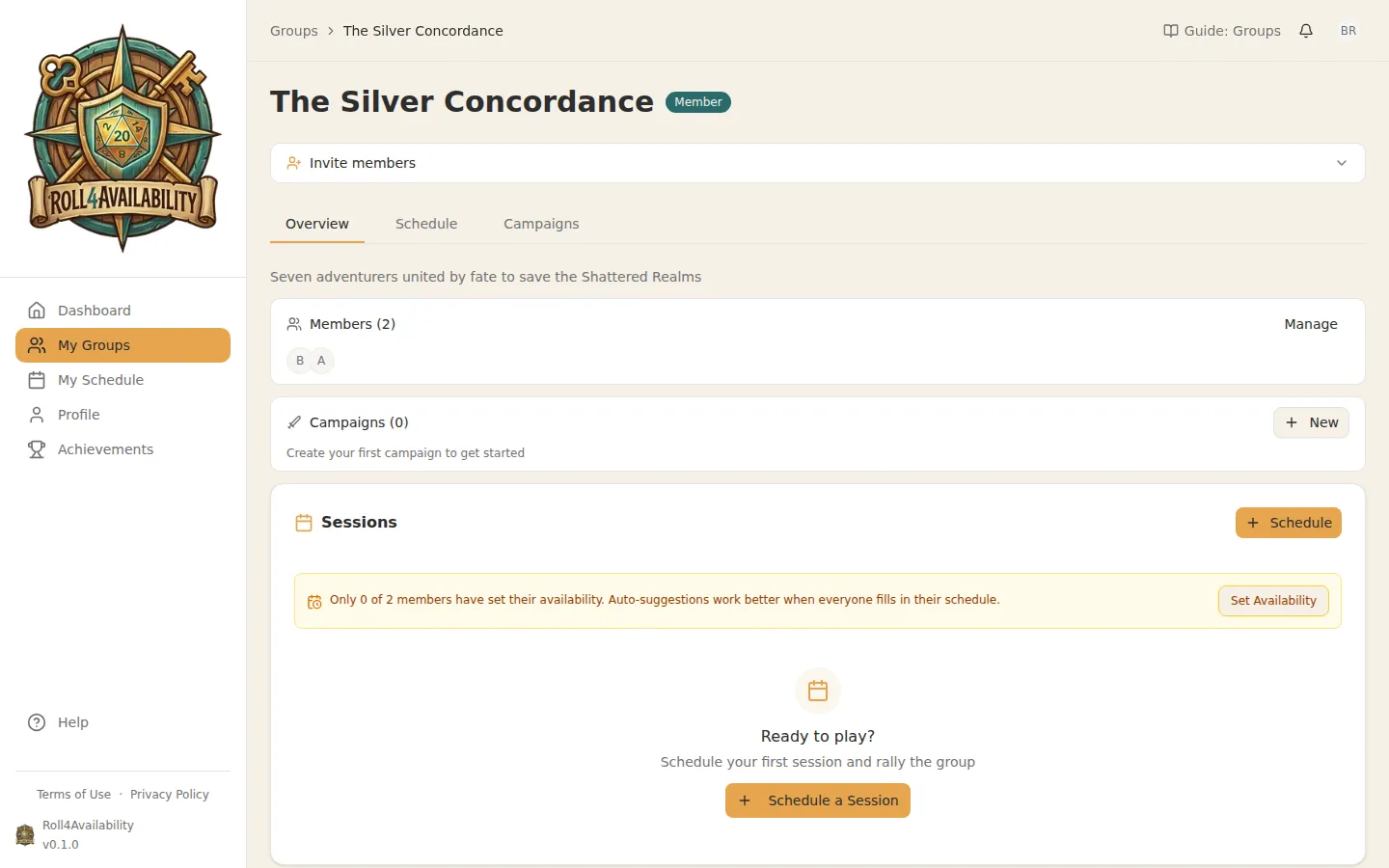
When a player accepts the invitation, they'll be added to your group automatically. No codes to copy, no links to share.
4
Invite codes and direct links
Prefer to share a link in Discord or your group chat? Use the invite code or copy the direct link. Players can join with just a click.
5
Full Party Assembled
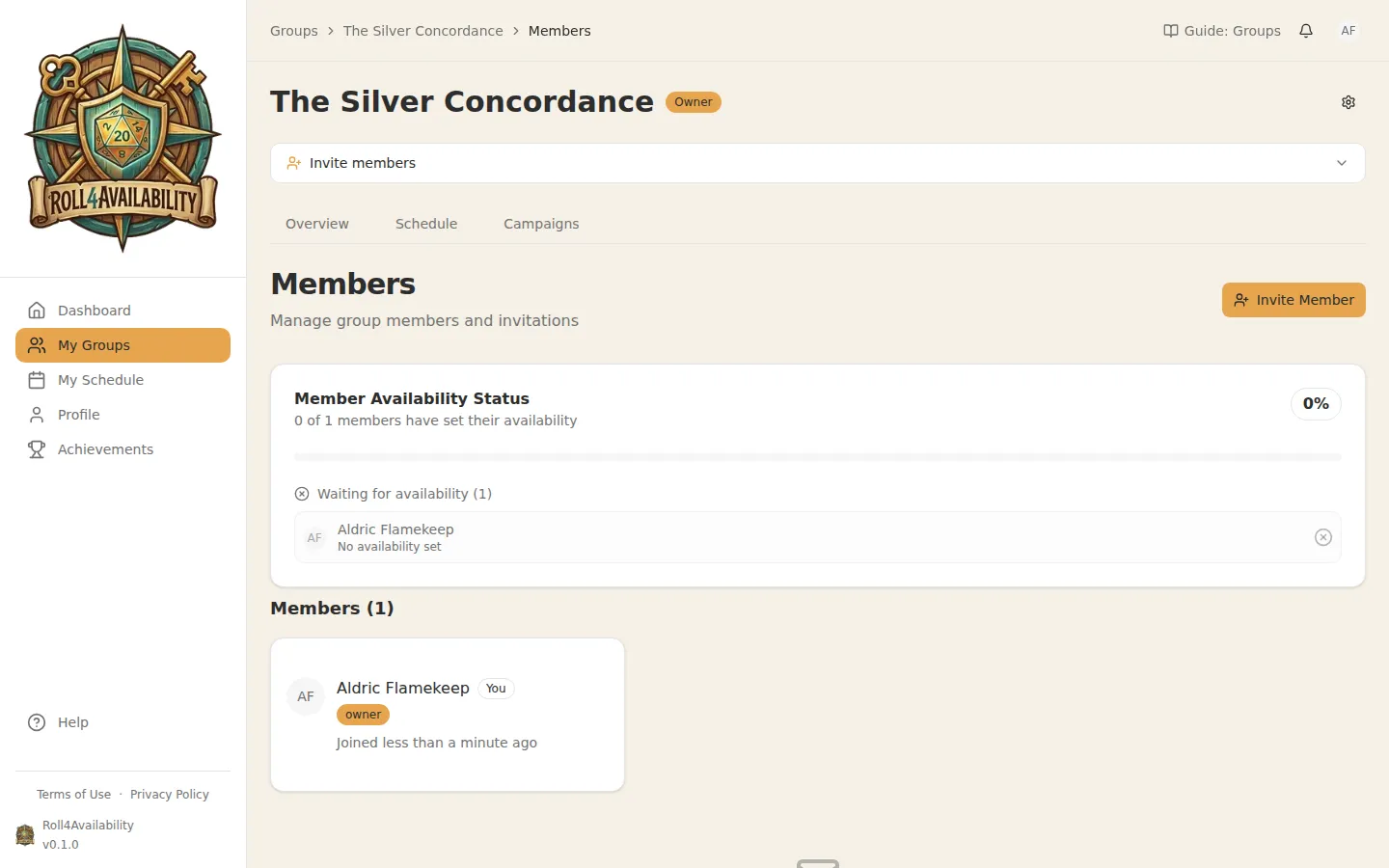
Once everyone has joined, you'll see the complete roster. Now you're ready to start coordinating sessions.
💡Players just need an email. No app downloads, no separate accounts to manage.